Straight from the console
Responses, linked to their visits.
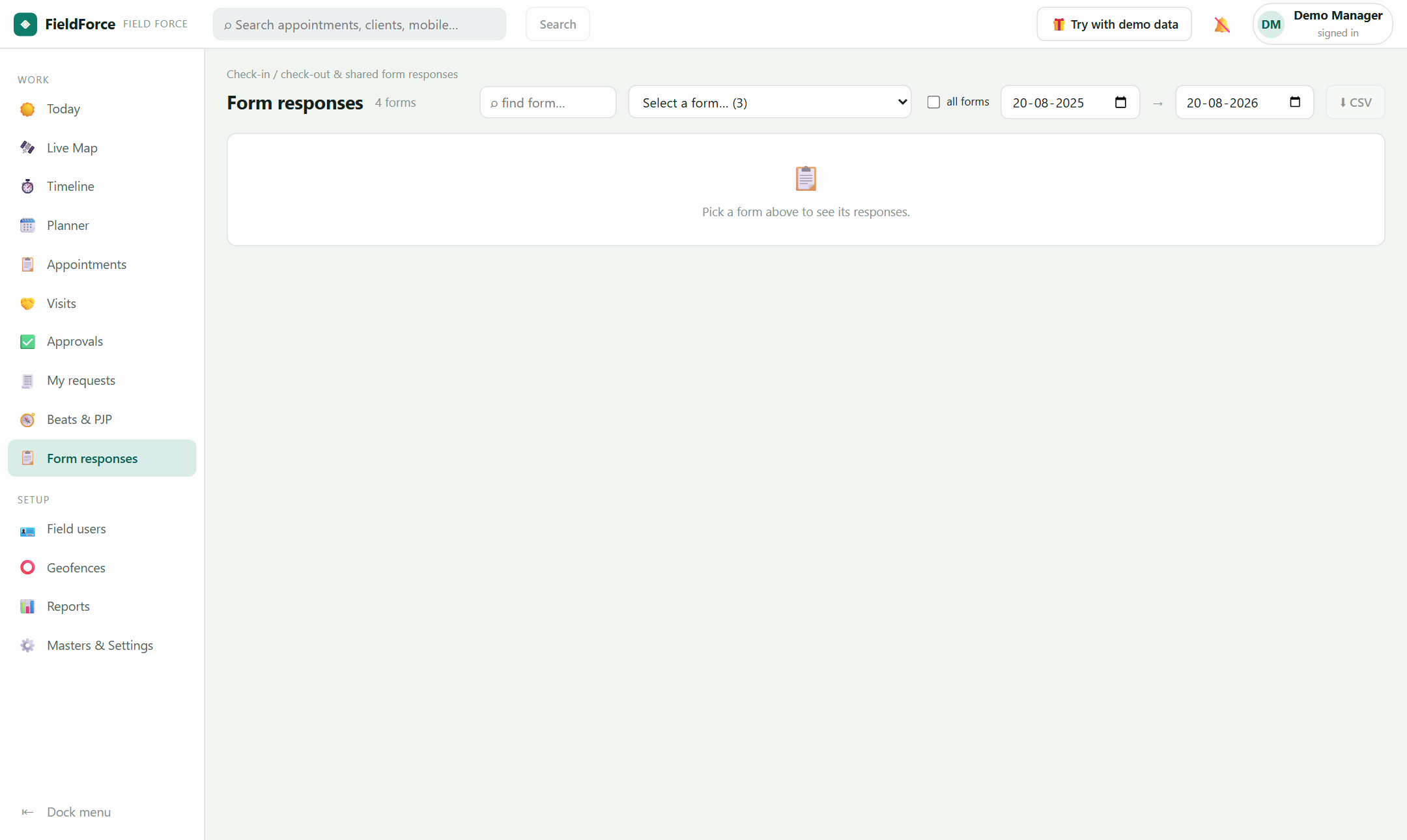
📸 Real console — the form-response grid — filler, timestamp and the visit behind each row
Attach forms to check-in or check-out, define what a successful meeting means per visit type, and read every response linked to the visit, the client and the executive who filled it.
Classic and dynamic web forms both work, gated at check-in or check-out per appointment type — even blocking check-out until the form is in. The data lands in a searchable grid, not a chat thread.
Outcomes carry sentiment — positive, neutral, negative — so a wall of "completed" turns into a picture of how the field is actually going. Success itself is definable per type: by outcome, by time on site, or by a completed form.
Every response shows who filled it, when, and during which visit — authoritative where the visit recorded the fill, time-matched where it didn't. One click opens the full visit drawer.
| Filled | By | During |
|---|---|---|
| Mon 14:42 | C. Gujrati | 📋 Wellness Clinic |
| Mon 11:18 | R. Sharma | 📋 Sharma & Sons |
| Fri 16:03 | M. Kumar | 📋 matched ≈ |
Yes — per appointment type, at check-in or check-out, including blocking check-out until it's filled.
Into a per-form grid with the filler, timestamp and linked visit — filterable, searchable, exportable.
Sign in with your suite account — or explore with the built-in demo world.